Perform In-place Upgrade
We strongly advise customers to always backup their custom reports before performing any in-place upgrades. Failure to do so could result in the loss of your custom reports!
Prerequisites: The user executing these steps should be the owner of the BI for Intune workspace.
Step 1: Open the Power BI Marketplace
- Log in to Power BI.
- Select Apps.
- Select Get apps.
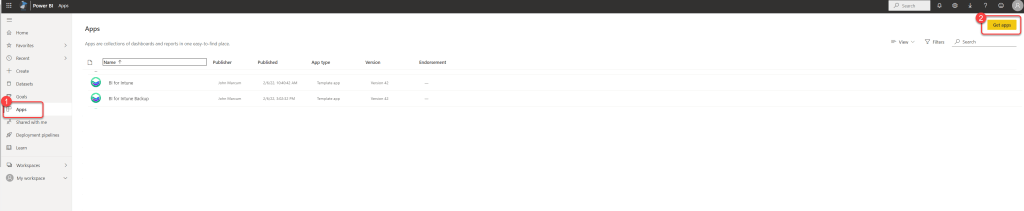
Step 2: Find the BI for Intune template
- Select Template apps.
- Search for BI for Intune.
- Select BI for Intune.
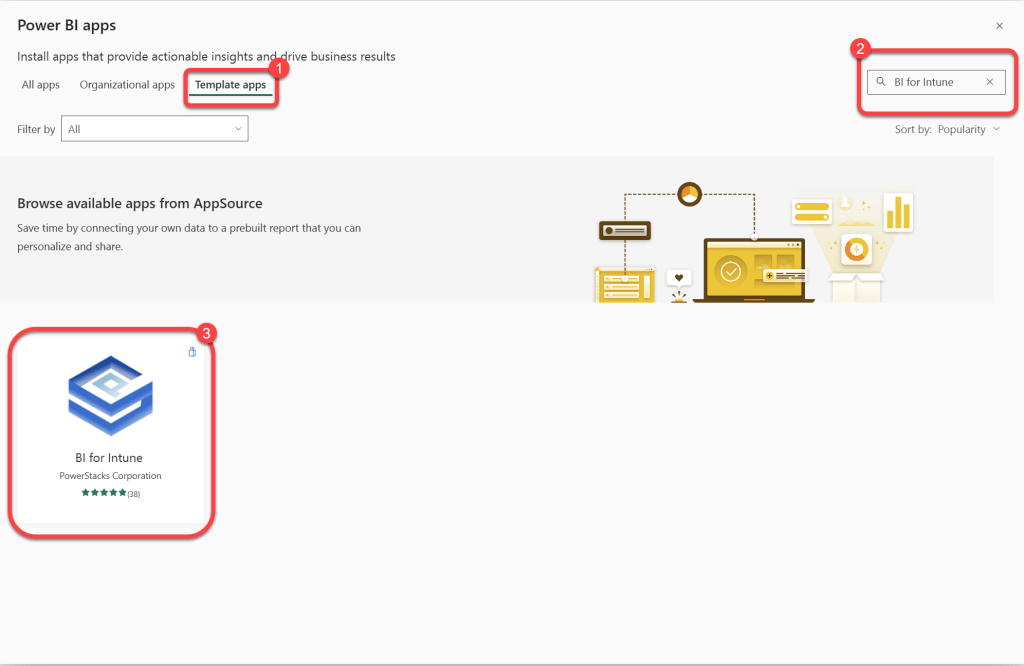
Step 3: Get the template app
- Select Get It Now.
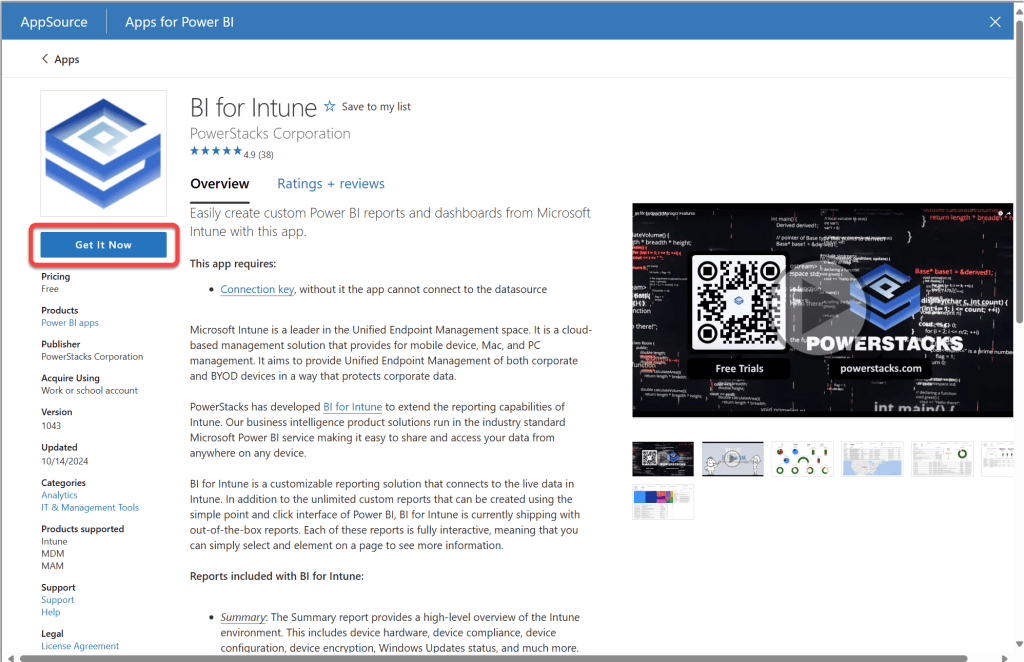
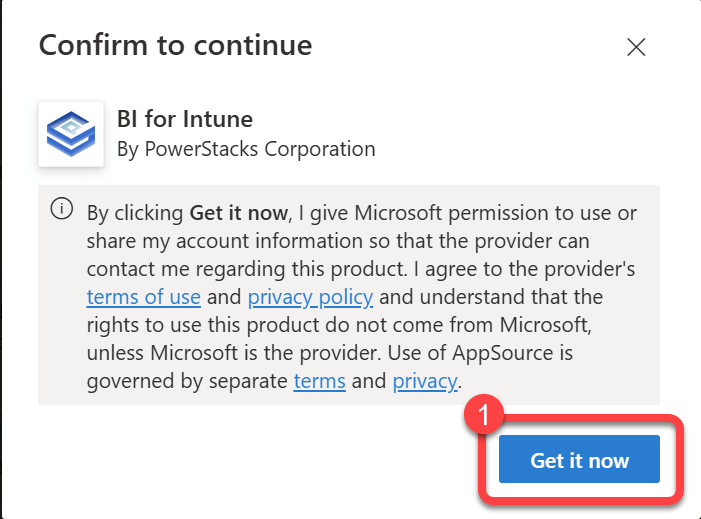
Step 4: Confirm the download
- Select Get it Now.
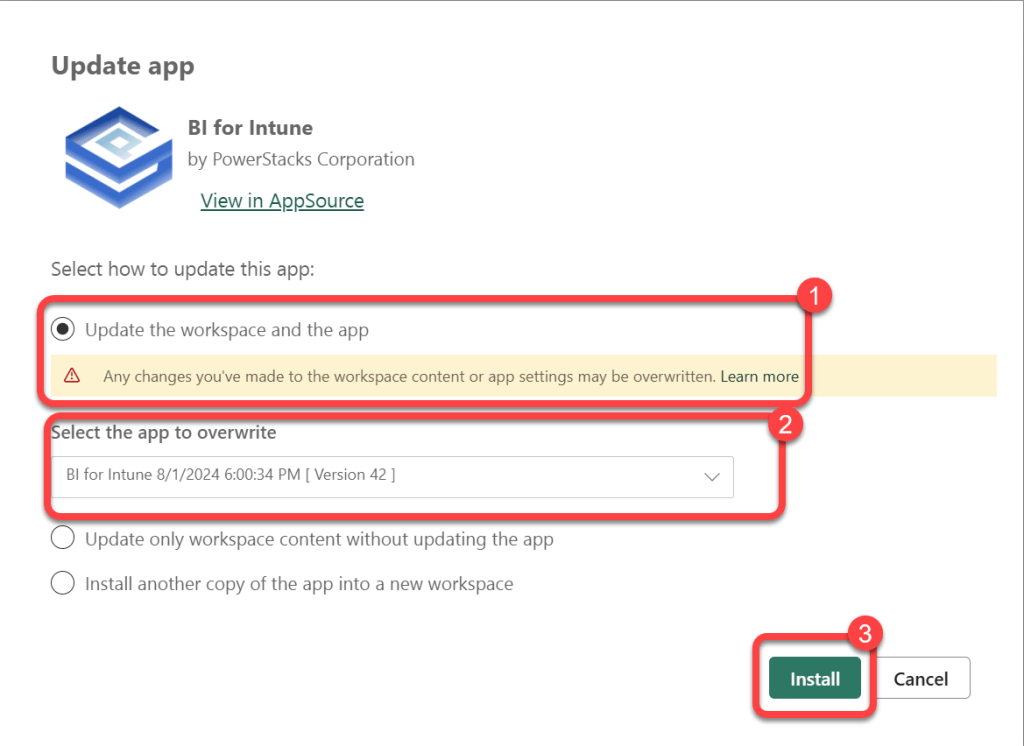
Step 5: Update the existing workspace
- Select Update the workspace and the app.
- Select your production BI for Intune workspace.
- Select Install.
Step 6: Confirm the upgrade completed
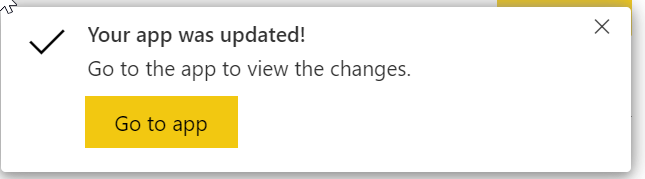
- Watch for the update completed notification in your browser.
- The data will revert back to the sample data that comes with BI for Intune.
- Start a manual refresh to sync your data.