Request an app
Use these steps to request an app that's already in the catalog. To request an app that isn't listed, see Ask IT to add an app.
Basic request
- Find the app you want to install.
- Select Request on the app card.
- Fill out the request form:
- Justification (required): explain why you need this app
- Device (for device-targeted apps): select which device should receive the app
- Select Submit Request.
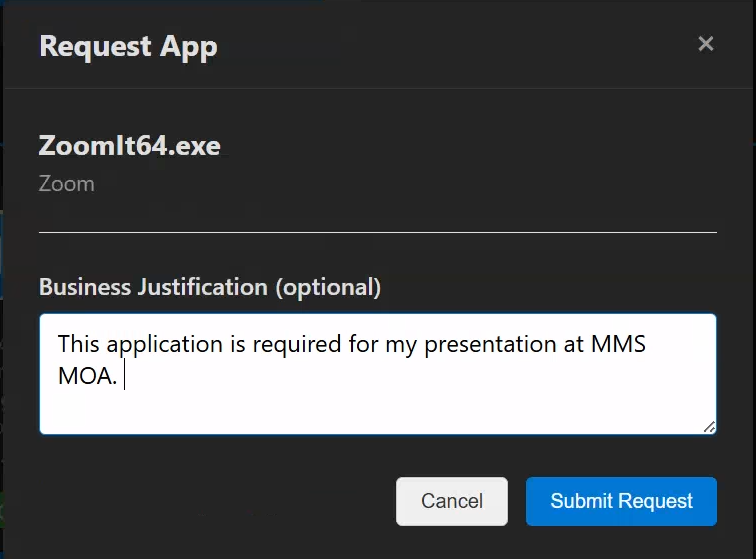 The app request form with justification field
Device selection
Some apps are deployed to specific devices rather than your user account. For these apps:
- You'll see a Select Device dropdown
- Choose from your enrolled Intune-managed devices
- The app installs only on the selected device
Approval requirements
Apps may have different approval requirements:
- No approval required: automatically approved and deployed
- Manager approval: your direct manager must approve
- Designated approver: a specific person or group must approve
- Multi-stage approval: multiple approvers in sequence
You'll see the approval requirements before submitting.